README
React-Native-Animated-Scrollview
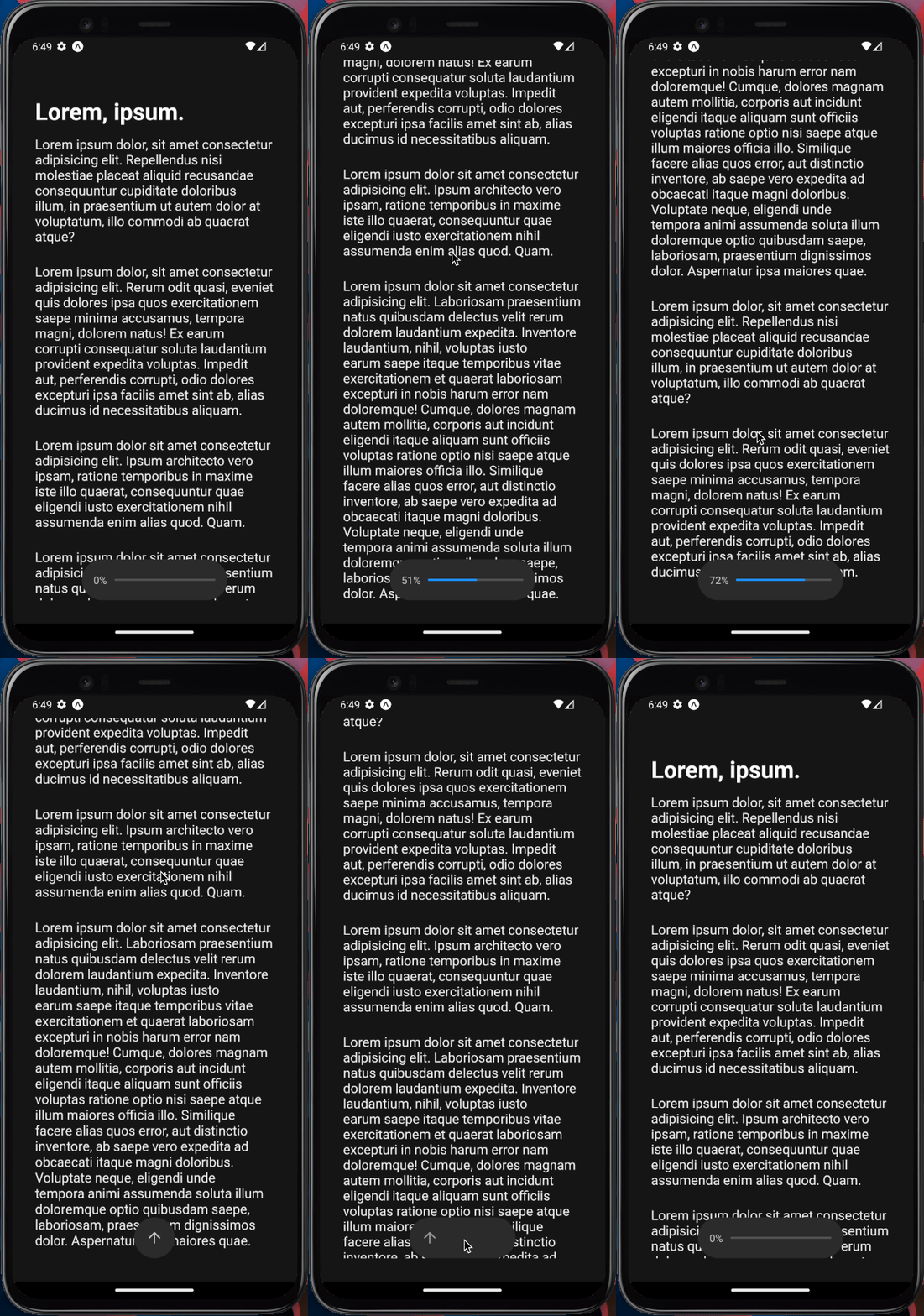
A simple animated scrolling display with percentage of content viewed and back to top button when reached end. Built with React Native, Expo and Reanimated.



Features | Technologies | Installation
:star: Features
Some key features are:
- Percentage of content viewed
- Back to top button when reached end
- Smooth scrolling and display animation
The application is built using React Native with Expo framework. The user animation interface is built with Reanimated. The entire codebase is written using Typescript.
:keyboard: Technologies
This is what I used and learned with this project:
- React Native
- Expo
- React Native Reanimated
- Typescript
:computer_mouse: Installation
To use this project, first you need NodeJS installed in your device, then you can follow the commands below:
# Clone this repository
git clone https://github.com/areasflavio/react-native-animated-scrollview.git

# Go into the repository
cd react-native-animated-scrollview

# Install dependencies for the application
yarn install

# To start the development server, run the following command
yarn start

# You start the emulator following the terminal instructions or:
yarn start android # for android emulator

yarn start ios # for ios emulator
:man_technologist: Author
Build by Flávio Arêas 👋 Get in touch!